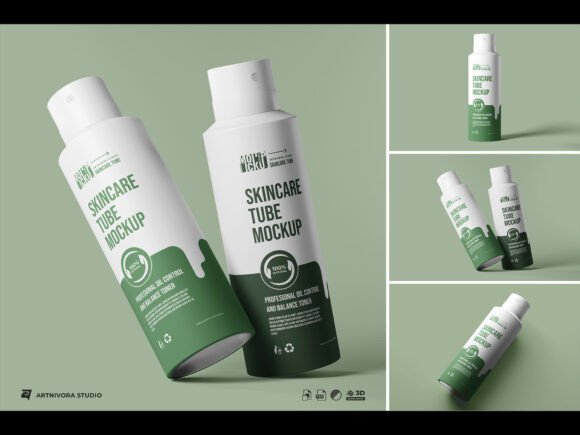
So eventually I did it myself. I obsessed over it more than I probably should have. I went through maybe thirty versions before I landed on something I actually felt proud of. The angle, the lighting direction, how much the tube curves at the shoulder, how the cap casts a shadow — all of it went through more iterations than any client will ever know about. But that is kind of the point. You should not have to think about any of that. You should just open the file, put your design in, and feel like your product belongs in the world.
WHO THIS IS FOR
The people I see using mockups like these are usually one of a few types. There is the founder who just finalized their formula and needs something to show investors before physical samples are ready. There is the Etsy seller who makes small-batch hand creams and wants their shop listings to stop looking homemade in the wrong way. There is the graphic designer who does brand identities and needs to present a packaging concept to a client by Thursday. There is the student working on a portfolio piece who wants it to look real, not like a school project. I made this for all of them. I have been most of them at different points.
USING THE FILE
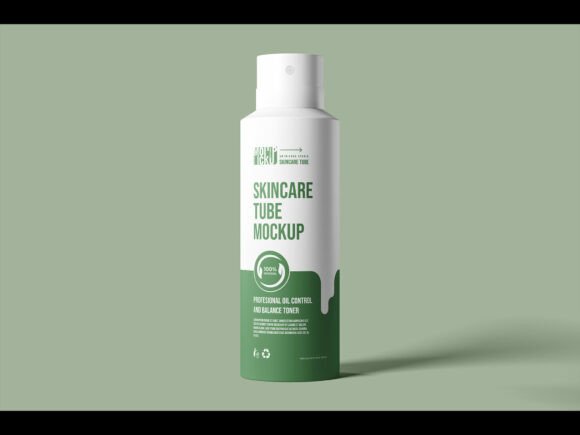
Using the file is not going to stress you out, I promise. I am someone who gets anxious when a PSD has seventeen layers with names like “layer 47 copy copy final FINAL” — so I made sure mine is nothing like that. It is clean. Everything is labeled. The smart object is right there, obvious, waiting for you. You double click it, a new window opens, you paste your artwork in, you save and close, and it is done. Your label is on the tube. It looks real. You can go do something else now.
WHAT IT WORKS FOR
Works for basically any tube-format skincare product — serums, cleansers, SPF, eye creams, hand creams, body lotions, hair masks, acne treatments. Whatever you are building. The background and lighting are neutral enough that your design sets the mood, not the mockup. I specifically did not want the mockup to have a personality. Your brand has the personality. This just shows it off.
BEFORE YOU BUY
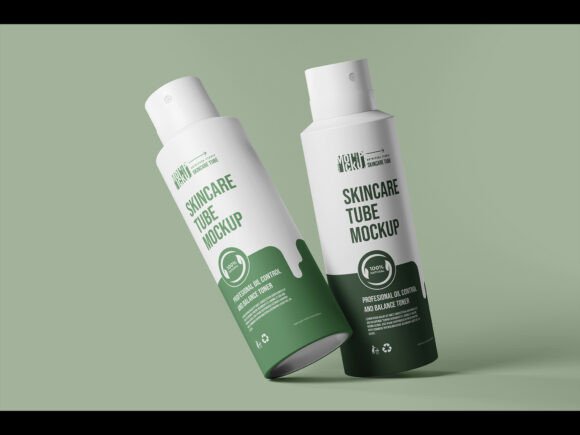
I should be clear that this is a digital download — nothing is being mailed to you. After purchase you get the files immediately. Please go through the preview images properly before you buy. I put them there so you know exactly what you are getting, and I genuinely want you to be happy with this, not just to make a sale.
ANY QUESTIONS?
If you have a question — about file format, compatibility, how to use it with a specific software, anything — just send me a message. Even if it feels like a silly question. Especially if it feels like a silly question, honestly, because those are usually the ones that actually matter and nobody else asks them. I will answer. I am not running some automated shop where messages disappear into a void.
ONE LAST THING
Thank you for reading this far. I know a lot of people skip the description entirely and I completely understand that. But if you did read it — I hope it gave you a real sense of what this is and where it came from. That feels more important to me than just listing features. Good luck with whatever you are building. I mean that more than it sounds.
Q1 What files are included in a premium tube mockup set?
Most premium sets include layered PSD (Photoshop) files, and sometimes AI (Illustrator) or EPS vector files. High-end sets may also include standalone PNG renders for quick use. Always check the listing to confirm which software is required before purchasing.
Q2 What resolution do the mockup files come in?
Premium mockup sets are typically delivered at 3000×3000 px or higher at 300 DPI — sufficient for both print and large-format digital display. If you only need web or social media use, 72–150 DPI is perfectly fine. Always verify the specs in the product description.
Q3 Do I need Photoshop to use these mockups?
Most premium tube mockups are PSD-based and require Adobe Photoshop (CC 2020 or newer is recommended). Some sets also include Illustrator-compatible files. Free alternatives like Photopea (browser-based) can open PSD files and work with smart objects as well.
Customisation
Q4 Can I change the tube color and label design?
Yes — premium mockups use smart object layers, so you can place your own label artwork with a simple double-click workflow. The tube body color can be adjusted using Hue/Saturation or Color Overlay adjustments. Many premium sets also include pre-made color variations (matte black, white, gold, etc.).
Q5 Can I swap out the background?
Absolutely. Most mockups have a dedicated, editable background layer. You can apply a solid color, gradient, marble texture, or your own custom image. Premium sets often include multiple styled scene backgrounds — minimalist white, dark luxury, pastel flat-lay, and so on.
Q6 Are these mockups beginner-friendly?
Yes. The smart object workflow is straightforward — double-click the layer, paste your design, save, and the mockup updates instantly. Basic Photoshop familiarity is all you need. Many premium sets also include a quick-start video tutorial or a written step-by-step guide.
Q7 Can I add shadows, reflections, or surface textures?
Premium mockups typically include built-in shadow and reflection layers that you can toggle on or off. Surface texture overlays (matte, glossy, soft-touch) are also common in higher-tier sets. These are pre-rendered for realism and usually don’t require any manual adjustment.
Print & use
Q8 Can I use this mockup in client presentations?
Yes — with a commercial license, you can use the mockup in client proposals, pitch decks, portfolio pieces, social media posts, and advertising materials. Always review the specific license terms included with the file to confirm exactly what is permitted.
Q9 Is a mockup file enough to send to a printer?
No. A mockup is a visual presentation tool for approvals and branding reviews — not a production-ready print file. For actual tube printing, you will need to supply artwork on the manufacturer’s dieline/template, typically as a print-ready PDF or AI file with correct bleed, safe zones, and CMYK color mode.
Q10 What angles or views are typically included?
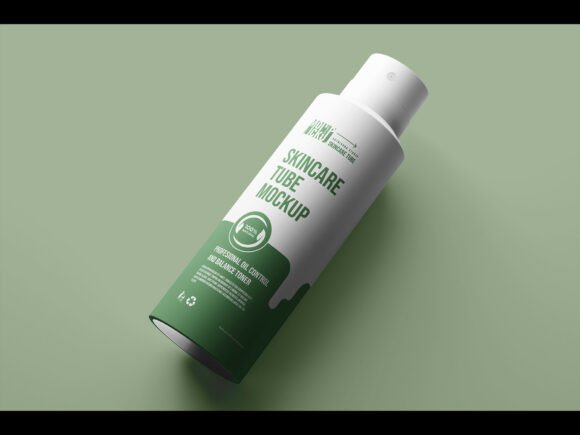
A well-rounded premium set usually includes a front view, 3/4 angle, side view, top/cap close-up, and a flat-lay or lifestyle scene. Some sets also include an open-tube or squeezed-tube variant. The number of angles varies — check the preview images carefully before buying.