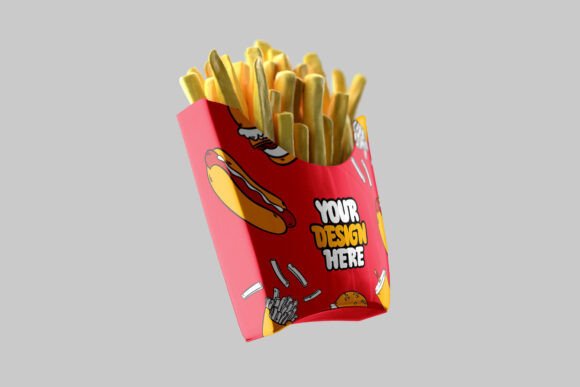
French Fries Box Packaging Mockup
Every great food brand begins with a powerful first impression — and that impression often starts with packaging. In the world of fast food, a simple box is not just a container; it is a silent salesperson that speaks directly to your customer. The French Fries Box Packaging Mockup is a smart, ready-to-use design template built for brands, designers, and creative professionals who want to showcase their packaging ideas in a realistic, eye-catching format without spending hours on complex 3D rendering.
Whether you are launching a new fast food brand, refreshing an existing restaurant identity, or building a design portfolio, this mockup gives your creative work the professional presentation it truly deserves.
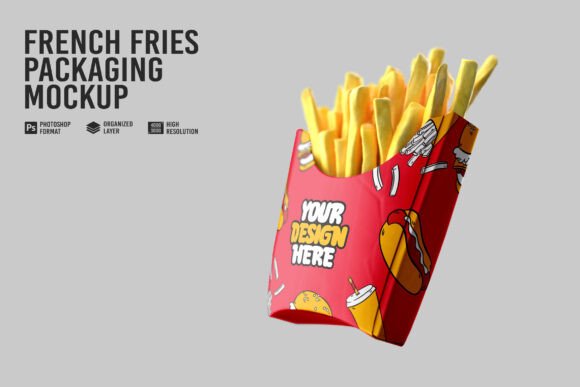
The Power of Smart Packaging
In a crowded marketplace, customers do not just buy food they buy experience. Your packaging tells the story of your brand before a single bite is taken. A bold logo, the right color palette, and clean typography on a fries box can turn a first-time customer into a loyal one. This is why investing in a high-quality packaging mockup is not just a design decision it is a business decision.
Fast food packaging, especially the classic fries box, carries enormous visual weight. It appears in customer hands, on trays, in photos, and across social media feeds. Every detail on that box matters, from the font size to the placement of your tagline.
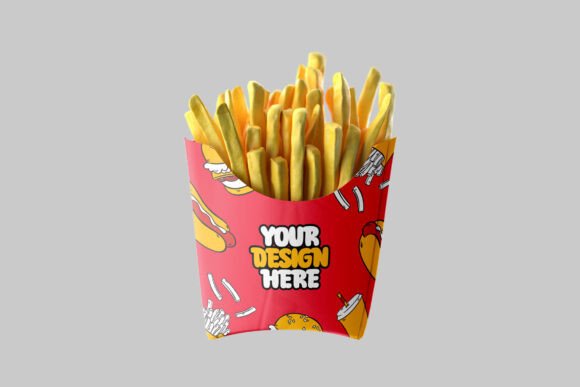
What Makes This Mockup Special
This french fries box mockup has been designed with both simplicity and professionalism in mind. Here is what makes it stand out:
- Smart Object Layers – Insert your artwork in seconds. No complex editing required. Just open the smart layer, place your design, and save.
- Crisp High-Resolution Output – Designed at premium resolution so your final presentation looks sharp whether viewed on a phone screen or a large monitor.
- True-to-Life Appearance – Carefully crafted lighting and depth give the box a realistic, three-dimensional look that impresses clients and audiences alike.
- Fully Customizable – Change colors, swap logos, update text, and adjust backgrounds to match your exact brand requirements.
- Clean Layer Structure – Every layer is properly named and grouped so even beginner designers can navigate and edit the file with confidence.
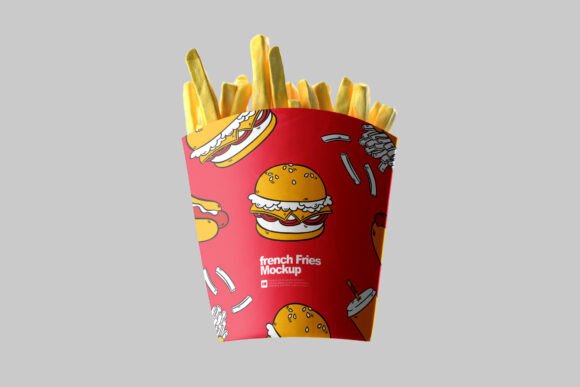
Perfect For Every Creative Need
This mockup serves a wide range of creative and business purposes:
- Designers presenting packaging concepts to food and beverage clients
- Restaurant owners visualizing new branding before printing
- Marketing teams creating content for product launches and campaigns
- Design students building strong, presentable portfolios
- Freelancers delivering polished client proposals quickly
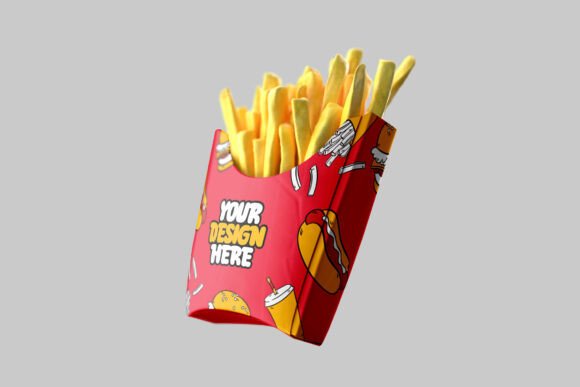
Simple Workflow, Stunning Results
Open the file, find the designated smart object layer, drop in your design, and you are done. The mockup handles the rest — applying your artwork naturally to the box surface with correct perspective, shadows, and proportions. The result looks like a professional product photograph, not a flat digital design.
You can further personalize the mockup by adjusting the background, modifying shadow intensity, or adding props and context elements to create a complete scene. The flexibility of this template makes it suitable for everything from minimal brand presentations to bold marketing visuals.
Built for Today’s Design Standards
This mockup follows current packaging design trends — clean layouts, strong visual hierarchy, and realistic presentation styles that meet the expectations of modern clients and audiences. It is the kind of resource that saves hours of work while delivering results that look polished and premium.
If you want your french fries packaging concept to look real, professional, and ready for the market — this mockup is exactly the tool you need.
❓ FAQs:
Q1: Which software is needed to open this mockup file? A: Adobe Photoshop CC or later versions work best. The smart object feature is fully supported in all modern Photoshop versions.
Q2: Can this mockup be used for client presentations? A: Yes, it is ideal for presenting packaging concepts to clients in a clean, professional, and realistic format.
Q3: Is it possible to change the box color in the mockup? A: Yes, the color layers are fully editable. You can apply any brand color or gradient to match your design requirements.
Q4: Can beginners use this mockup easily? A: Absolutely. The file structure is simple and well-organized, making it accessible even for those new to mockup editing.
Q5: Is this content and design suitable for uploading on Freepik, Envato, or similar platforms? A: Yes, this mockup format and description style aligns with the standards of major design marketplaces.
Q6: Can I edit the background of the mockup? A: Yes, the background is on a separate editable layer. You can replace it with a solid color, gradient, or custom image.